








or
 Continue with Facebook
Looking to list your Masters courses? Log in here.
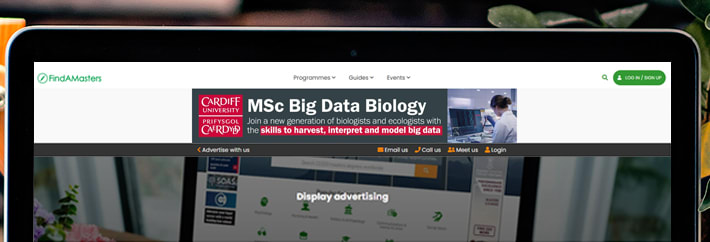
With more than 1.2 million referrals for our advertisers in the last year alone, find out how our advertising options can deliver excellent return on investment and generate valuable leads for your Masters programmes.
Institutions can connect directly with their regional Account Manager for personalised strategic guidance and campaign support. View the full contact list to find your regional expert.
Whether you’re a UK university or an international institution, we provide tailored advertising solutions designed to ensure your opportunities reach the right students. Let us help you achieve your student recruitment goals - discover how we can support you today.
Our FindAMasters Knowledge Base is filled with dozens of helpful articles and guides, in areas such as:
Visit our Knowledge Base today!
1.2 million annual enquiries & referrals
Over 900,500 monthly site visits globally
Prices start at just £100
A dedicated Account Manager to help & advise via email, phone, at international conferences, or request a meeting on your campus.


or
Continue with Facebook


We've been helping students find the right postgraduate course for over a decade.